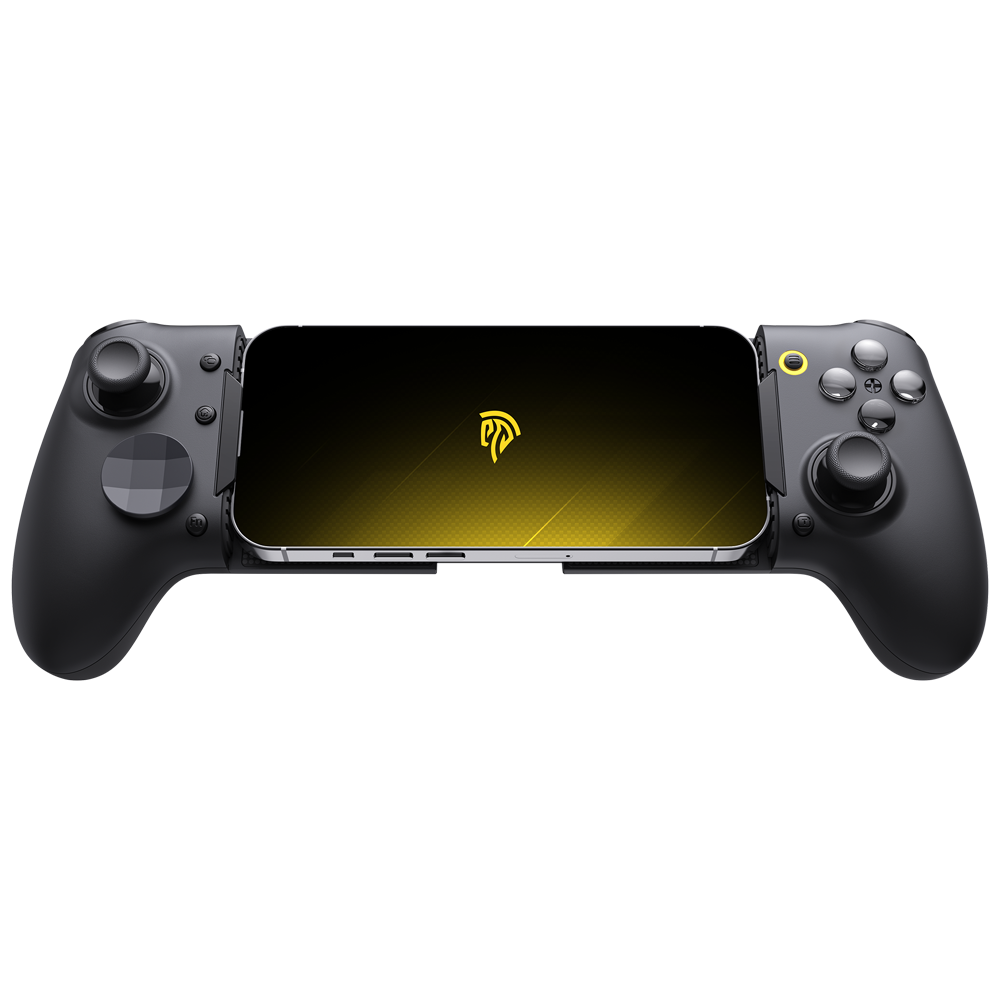
Mobile gaming has exploded into a multi-billion dollar industry, yet millions of players still struggle with the same fundamental problem: touchscreen controls that block visibility, lack tactile feedback, and lead to frustrating missed inputs during critical moments. Whether you’re trying to land a headshot in a competitive shooter or execute a combo in a fighting game, your thumbs sliding across glass simply can’t match the precision of physical buttons. This is exactly where a mobile phone game controller transforms the experience, turning your smartphone into a legitimate gaming platform.
However, choosing the right controller isn’t straightforward. The market is flooded with options ranging from cheap clip-on accessories to premium devices packed with innovative features. One standout innovation gaining attention is the Rotating ABXY layout—a design that lets gamers physically reposition their face buttons to match different play styles and game genres. This article will guide you through understanding what makes a mobile gaming controller reliable and effective, explore how rotating ABXY technology works, review a real-world example in the EasySMX M20, and provide a clear step-by-step process for making your ideal selection.
Table of Contents
What Makes a Great Mobile Gaming Controller?
A mobile gaming controller is a physical input device that connects to your smartphone, replacing imprecise touch controls with responsive buttons, analog sticks, and triggers. Its importance goes beyond convenience—it fundamentally changes how you interact with games, providing the tactile feedback and muscle memory development that competitive and casual gaming both demand. But not every controller delivers on its promises, so understanding what separates a great mobile phone game controller from a mediocre one is essential before spending your money.
The foundation of any quality controller starts with ergonomics. You’ll be gripping this device for extended sessions, so comfortable contours, balanced weight distribution, and intuitive button placement matter enormously. Connectivity is equally critical—Bluetooth remains the standard for wireless mobile controllers, but you need stable, low-latency connections that won’t drop mid-match. Battery life should sustain multiple gaming sessions without constant recharging, and button responsiveness must be immediate with no perceptible delay between press and on-screen action.
Key Features to Look For in a Controller
Beyond the basics, several specific features distinguish premium controllers from budget options. Analog triggers with variable sensitivity allow nuanced control in racing and shooting games, while high-quality joysticks with adequate tension prevent drift and enable precise aiming. Portability matters for gamers on the go—a controller that folds, collapses, or fits easily in a bag gets used far more than one that stays on a desk. Customizability has become increasingly important too, with features like remappable buttons, adjustable trigger dead zones, and innovative layouts such as rotating ABXY giving players the ability to tailor their controller to specific games and personal preferences.




Ensuring Compatibility: iOS vs. Android Controllers
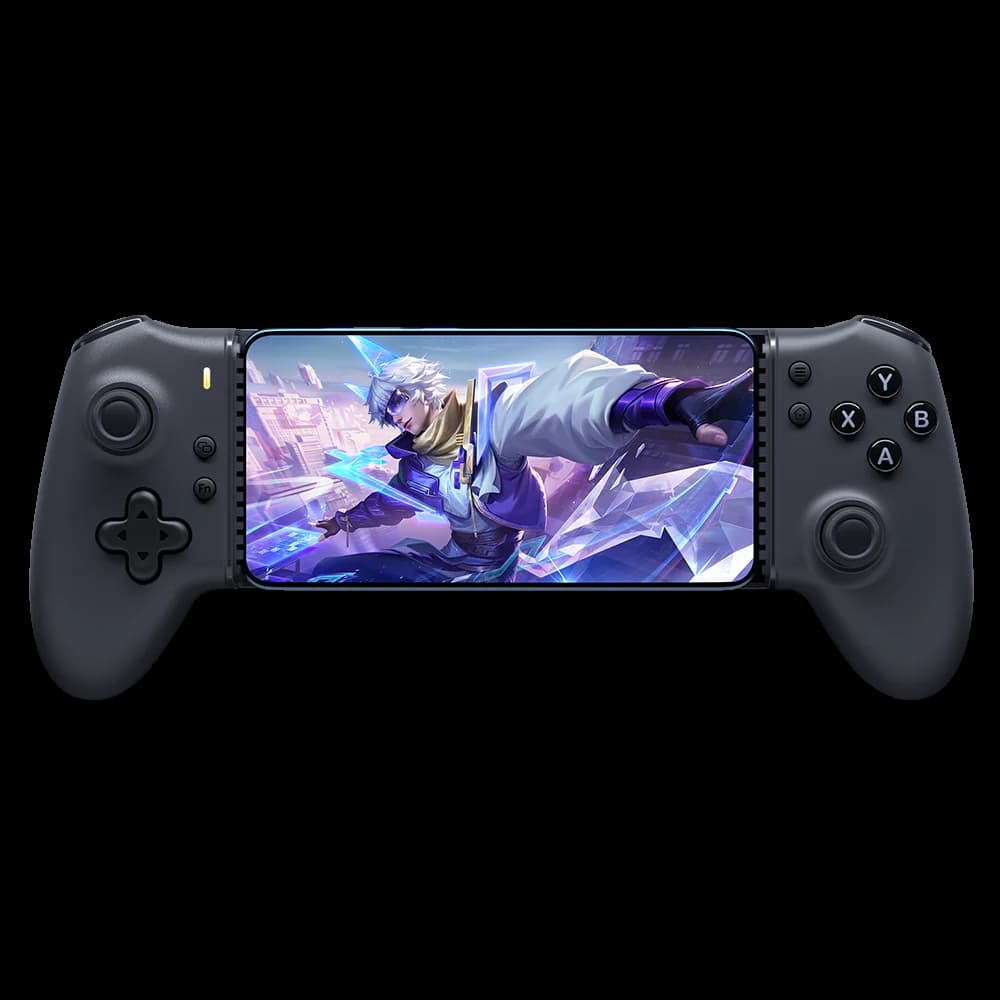
One of the most common frustrations gamers face is purchasing a controller only to discover it doesn’t work properly with their device. iOS and Android handle controller support differently—Apple devices require MFi certification or specific Bluetooth protocols, while Android offers broader compatibility but can vary by manufacturer and OS version. Always verify that a controller explicitly supports your operating system and check whether it works with your specific games, since some titles have limited or no controller support regardless of your hardware. A truly reliable iOS and Android controller should clearly list supported platforms and maintain compatibility through firmware updates.
Exploring the Rotating ABXY Layout: A Game-Changer
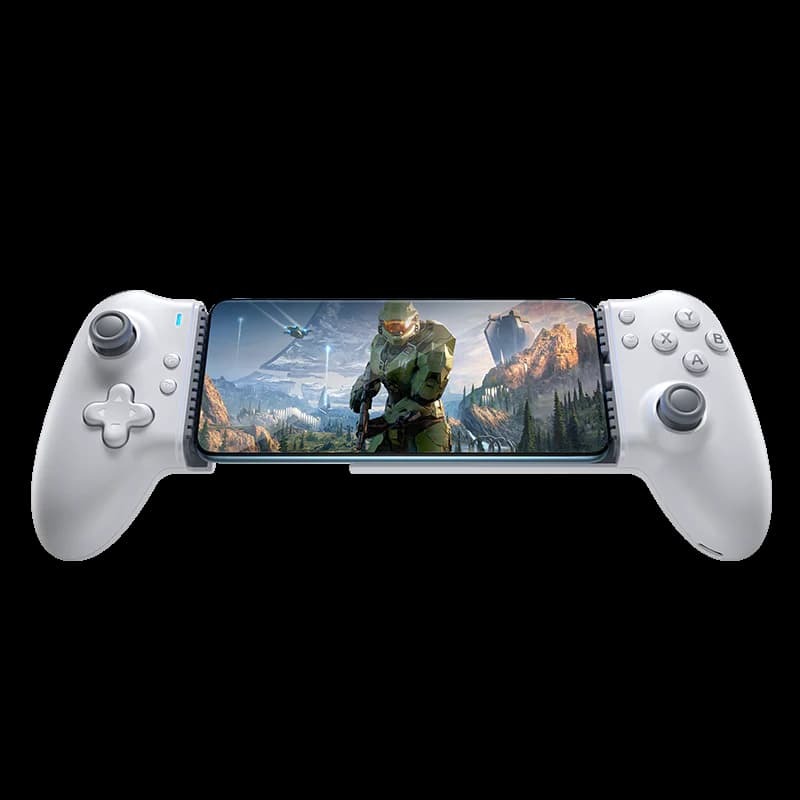
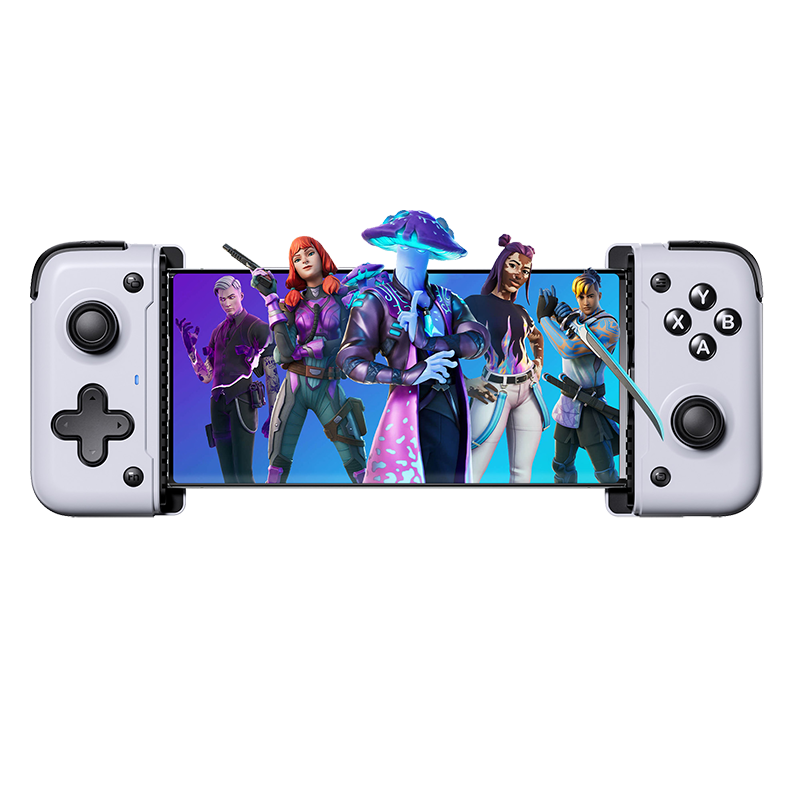
Traditional controllers have maintained the same fixed button layout for decades, but mobile gaming presents unique challenges that demand fresh thinking. The Rotating ABXY layout represents a significant innovation in mobile phone game controller design—it allows players to physically rotate the face button cluster to reposition A, B, X, and Y buttons relative to their thumb’s natural resting position. Instead of adapting your hand to the controller, the controller adapts to you. This seemingly simple mechanical adjustment has profound implications for how gamers interact with different titles across multiple genres.

The concept works because different games place different demands on button priority. In a fast-paced shooter, you might need instant access to jump and reload without lifting your thumb from the right stick. In an RPG, your most-used ability buttons might benefit from a completely different orientation. A rotating ABXY mobile gaming controller eliminates the compromise of a one-size-fits-all layout, giving players the freedom to optimize their input configuration for whatever they’re playing at that moment.
Benefits for Different Mobile Game Genres
In first-person shooters, rotating the ABXY cluster lets you position your primary action button—whether that’s crouch, melee, or interact—where your thumb naturally falls after releasing the joystick, shaving milliseconds off reaction time that can determine whether you win or lose a gunfight. For fighting games and action titles that demand rapid button combinations, angling the layout to match your preferred combo direction reduces finger travel and makes complex inputs feel more intuitive. Strategy and RPG players benefit differently—they can orient buttons to minimize accidental presses during menu-heavy sequences while keeping critical abilities accessible during real-time encounters. Racing games present yet another use case, where repositioning buttons ensures nitro boost or drift activation sits exactly where split-second decisions happen.
How the Rotating ABXY Layout Enhances User Experience
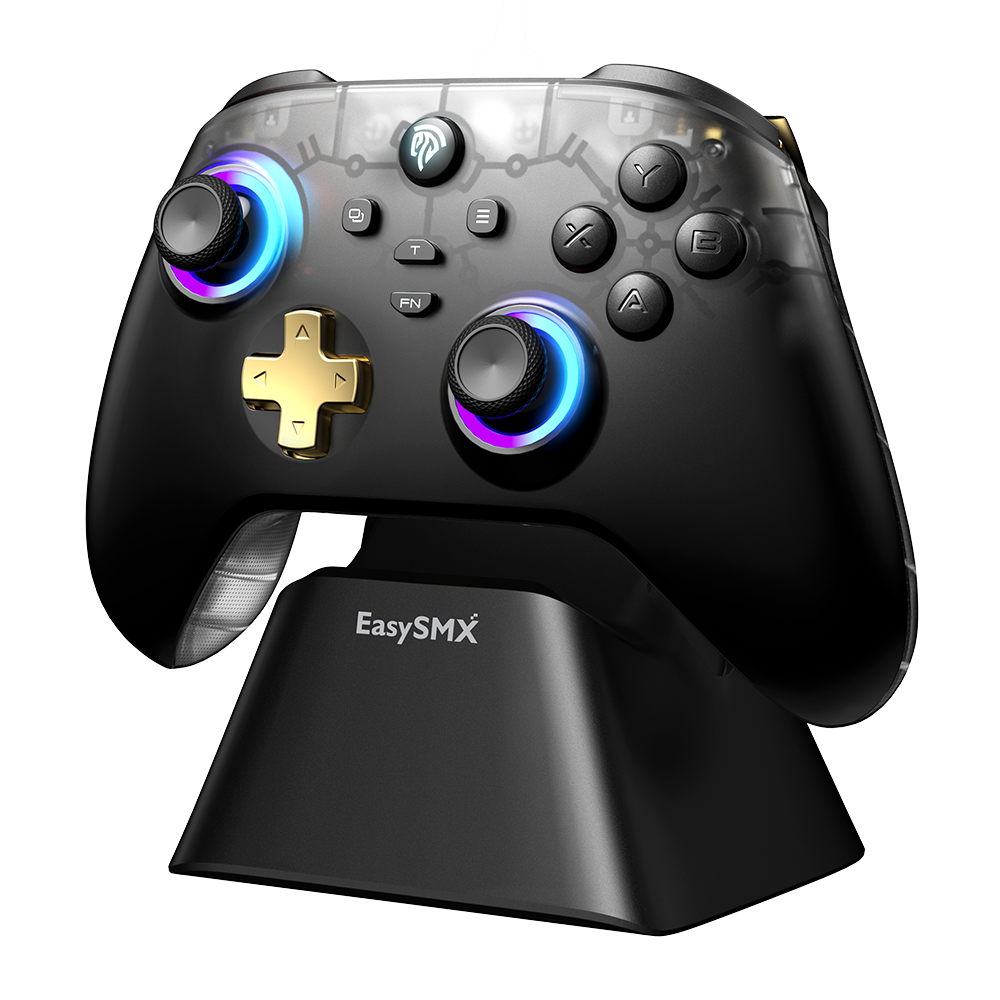
Beyond genre-specific advantages, the rotating mechanism delivers meaningful ergonomic benefits during extended play sessions. Fixed layouts force your thumb into repetitive motion patterns that can cause strain over time, but the ability to adjust button orientation means you can find positions that reduce unnatural stretching and minimize fatigue. Players with smaller or larger hands particularly benefit, since they can compensate for how their thumb arc differs from the “average” hand size that standard controllers target. Compared to fixed-layout iOS and Android controllers, a rotating design also eliminates the need to own multiple controllers or rely entirely on software remapping—which many mobile games don’t even support. The physical rotation provides immediate, tactile confirmation of your setup without navigating companion apps or settings menus, making the transition between games seamless and frustration-free.
In-Depth Review: EasySMX M20 Mobile Gaming Controller
Understanding controller features in the abstract only gets you so far—examining a real product reveals how these elements come together in practice. The EasySMX M20 serves as an excellent case study for what a modern mobile phone game controller with rotating ABXY can deliver. This controller was designed specifically for mobile gamers who want console-quality input without carrying a separate gamepad, and it incorporates several of the features we’ve discussed into a single cohesive package. Looking at its design, performance, and real-world reception helps illustrate what to prioritize when making your own purchasing decision.
Design and Build Quality of the EasySMX M20
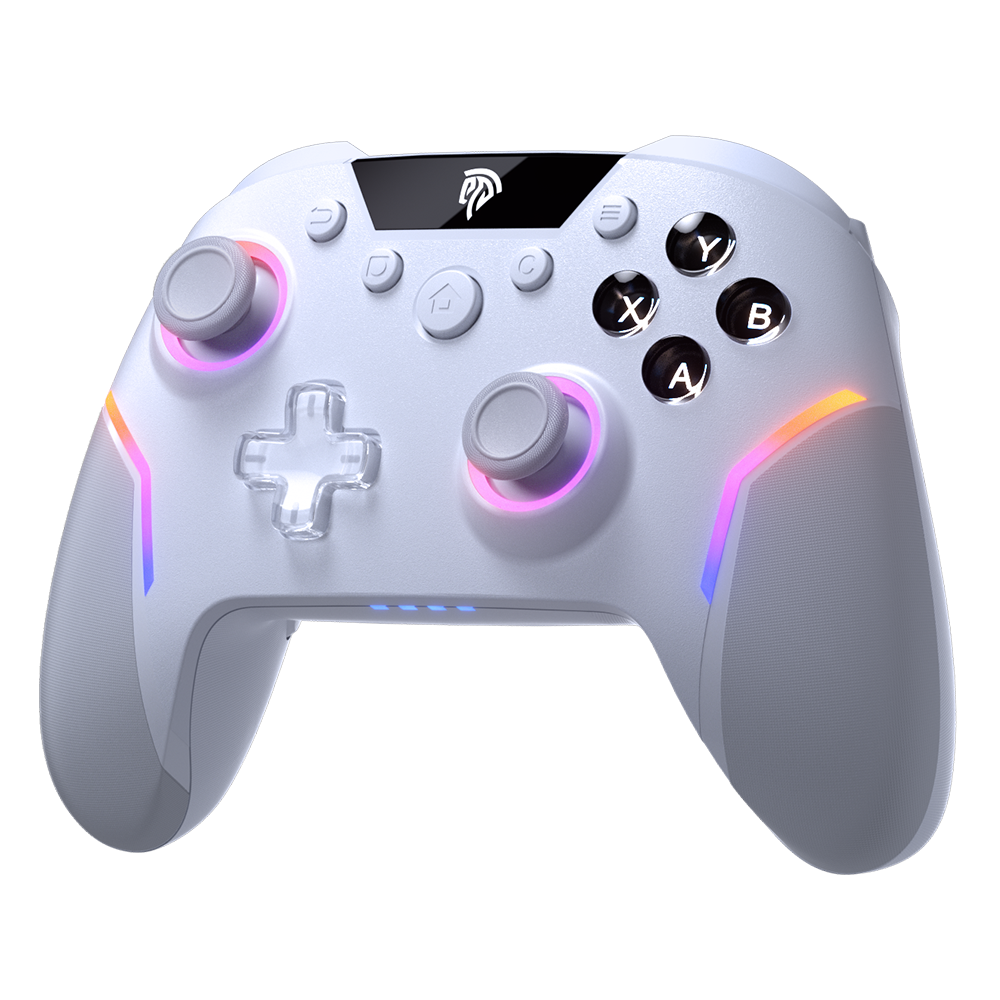
The EasySMX M20 adopts a telescopic design that clamps directly onto your smartphone, creating an integrated feel similar to dedicated handheld consoles. The build uses a combination of textured plastics that keep weight manageable while maintaining structural rigidity during intense gaming sessions. Its rotating ABXY mechanism is the centerpiece—a smooth mechanical rotation system that clicks into distinct positions, providing clear tactile feedback when you adjust the button cluster orientation. The mechanism feels engineered for longevity rather than treated as a gimmick, with a satisfying resistance that prevents accidental rotation during play. Button travel is short and responsive across all face buttons, triggers offer analog input with comfortable curvature, and the joysticks sit at appropriate heights for thumb reach. The telescopic arms extend to accommodate various phone sizes while maintaining a balanced center of gravity, preventing the top-heavy feeling that plagues many clip-on controllers. When collapsed, the unit remains compact enough for bag storage, making it genuinely portable for commuters and travelers.
Performance and Gaming Experience with the EasySMX M20
In practice, the M20 connects via Bluetooth with consistent stability across both iOS and Android devices, establishing pairing quickly and maintaining connection without the dropouts that cheaper controllers often exhibit. Input latency remains imperceptible during testing across shooters, platformers, and racing titles—button presses register on screen with the immediacy you’d expect from a wired connection. The rotating ABXY feature proves its worth when switching between game genres; transitioning from a session of Call of Duty Mobile to Genshin Impact takes seconds of physical adjustment rather than minutes of software remapping. Battery life comfortably spans multiple extended gaming sessions on a single charge, removing anxiety about mid-game shutdowns. User feedback consistently highlights the rotating mechanism and low latency as standout strengths, while noting that the learning curve for finding your optimal rotation angle takes a few sessions to master. As an iOS and Android controller, its broad compatibility list and regular firmware updates demonstrate ongoing manufacturer support that addresses the reliability concerns many mobile gamers carry from past experiences with lesser accessories.
Step-by-Step Guide to Choosing Your Mobile Gaming Controller
Knowing what features exist and seeing them demonstrated in a product like the EasySMX M20 provides valuable context, but the real challenge is applying that knowledge to your unique situation. Every gamer has different hands, plays different genres, uses a different phone, and has different expectations for what a mobile gaming controller should deliver. The following step-by-step process transforms abstract feature knowledge into a concrete decision-making framework that leads you to the right controller without wasted money or buyer’s remorse.
Step 1: Assess Your Mobile Gaming Needs and Preferences
Start by honestly evaluating how you actually game on your phone. What genres dominate your play time—are you primarily in competitive shooters where millisecond response matters, or do you lean toward RPGs and adventure titles where comfort during long sessions takes priority? Consider how often you game away from home versus on your couch, since this determines how much portability matters. Think about whether you play one game obsessively or rotate between several genres regularly—if you’re a multi-genre player, a rotating ABXY mobile gaming controller offers significant advantages over fixed layouts because you can physically optimize your button configuration each time you switch titles. Also assess your hand size and any comfort issues you’ve experienced with previous controllers or extended touchscreen sessions, as this directly influences which ergonomic profiles will work for you.
Step 2: Compare Features and Specifications
With your needs clearly defined, create a shortlist of controllers and compare them against your priorities. Evaluate button layout flexibility—does the controller offer rotating ABXY or other customization options that match your multi-genre needs? Check connectivity specifications, ensuring Bluetooth version and protocol support low-latency gaming rather than just basic pairing. Compare battery life claims against your typical session length, and look for analog triggers if racing or shooting games feature in your rotation. The EasySMX M20 serves as a useful benchmark during this comparison phase: its telescopic design, rotating button cluster, and cross-platform Bluetooth connectivity represent the feature set a modern mobile phone game controller should offer. Any controller you’re considering should match or exceed this baseline in the areas most important to your gaming habits. Weight, collapsed dimensions, and build materials also deserve attention if you’ll be carrying the controller daily.
Step 3: Verify Compatibility and Support
Before finalizing any purchase, confirm that the controller explicitly supports your specific phone’s operating system and version. An iOS and Android controller should clearly state which OS versions it works with, and ideally you should verify compatibility with your most-played games individually—some popular titles still lack full controller support or implement it inconsistently. Check whether the manufacturer provides a companion app for firmware updates, since ongoing software support indicates a company committed to maintaining compatibility as phone operating systems evolve. Look for evidence of recent firmware releases, which suggest active development rather than an abandoned product. If you use both an iPhone and an Android device, prioritize controllers with verified dual-platform support so your investment works across your entire ecosystem.
Step 4: Research Reviews and Make an Informed Decision
Finally, validate your top choices through external research. Seek out reviews from gamers who play the same genres you do, since a controller that excels for casual RPG play might receive different feedback from competitive FPS players. Look beyond star ratings to read specific comments about latency, build durability after months of use, and real-world battery performance versus manufacturer claims. Video reviews offer particular value because you can observe button responsiveness, hear the rotating mechanism in action, and gauge physical size relative to various phones. Community forums and gaming subreddits often contain honest long-term ownership impressions that marketing materials never reveal. If possible, test a controller in person at a retail location before purchasing online. Once you’ve gathered sufficient evidence that a mobile gaming controller meets your defined needs, supports your devices, and satisfies existing owners, make your purchase with confidence knowing your decision rests on comprehensive analysis rather than impulse.
Your Path to the Perfect Rotating ABXY Controller
Choosing the right mobile phone game controller doesn’t have to be overwhelming when you approach the decision systematically. The key takeaways are clear: prioritize ergonomics and low-latency connectivity as your foundation, then look for differentiating features like the rotating ABXY layout that genuinely enhance how you interact with different game genres. This innovative mechanism transforms a single controller into a versatile tool that adapts to shooters, RPGs, racing games, and everything in between—eliminating the compromise that fixed-layout designs force upon multi-genre players.
The EasySMX M20 demonstrates what a well-executed modern mobile gaming controller looks like in practice, combining telescopic design, reliable cross-platform Bluetooth, and that standout rotating button cluster into a package worth benchmarking against. Whether you ultimately choose the M20 or another iOS and Android controller, the four-step process outlined here—assessing your needs, comparing specifications, verifying compatibility, and researching real user experiences—ensures your investment delivers genuine gaming improvement rather than collecting dust in a drawer. Apply this framework, trust your defined priorities, and you’ll find a controller that finally makes mobile gaming feel as responsive and satisfying as it deserves to be.