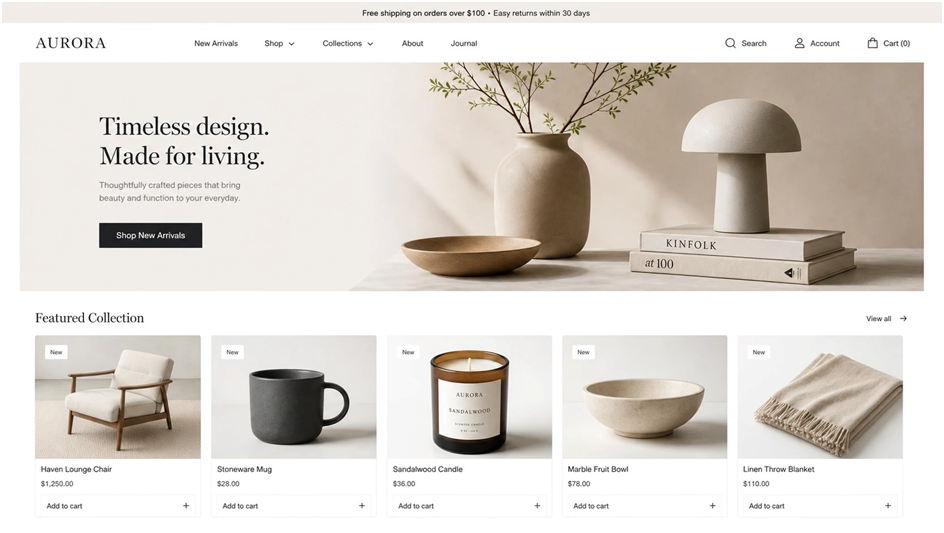
Online shopping is growing fast. People open a website, scroll a few products and decide in seconds whether to stay or leave. Very often they make this decision based on one thing: the product photo.
If an image is small, blurry or badly cropped, trust drops at once. The visitor thinks, “If they don’t care about the photo, what about the product?” and closes the tab. A full new photo shoot can fix the problem, but it is slow and expensive. AI image upscaling offers another way. It improves the photos you already have and helps you reach a higher visual level without starting from zero.
Why Product Photos Matter for Online Stores
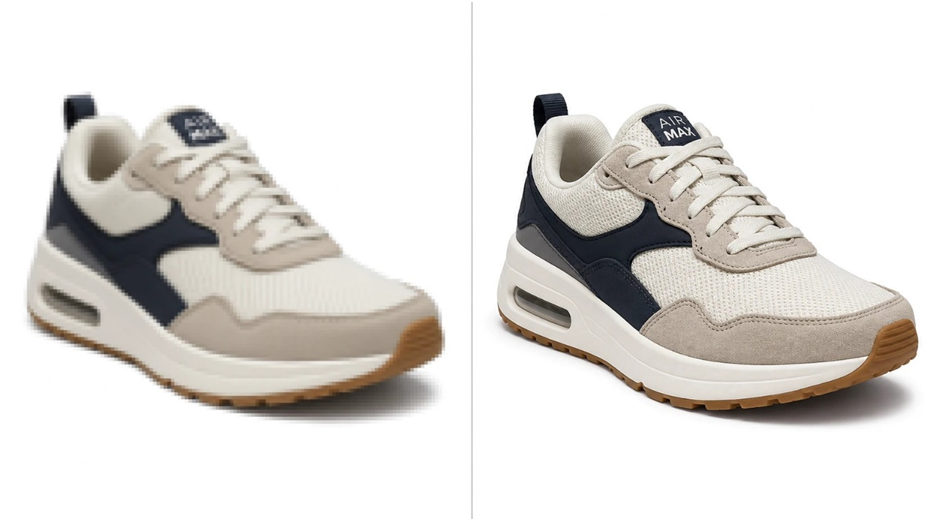
Your customer cannot touch the product. They only see an image and a short description on the screen. In this situation, the product photo works like a shop window. If the window looks bad, people never walk inside.
Shoppers quickly notice a few simple things:
- Can they see details and texture of the item?
- Do the colors look clear and natural?
- Do photos across the catalog feel consistent?
- Does the page load fast on mobile?
Weak images create real business problems:




- lower click‑through rate from category pages;
- fewer products added to carts;
- more questions to customer support;
- more returns with the comment “looks different from the website”.
The good news: not every store needs a full reshoot. In many cases, higher resolution and cleaner images already make a clear difference.
What Is AI Image Upscaling?
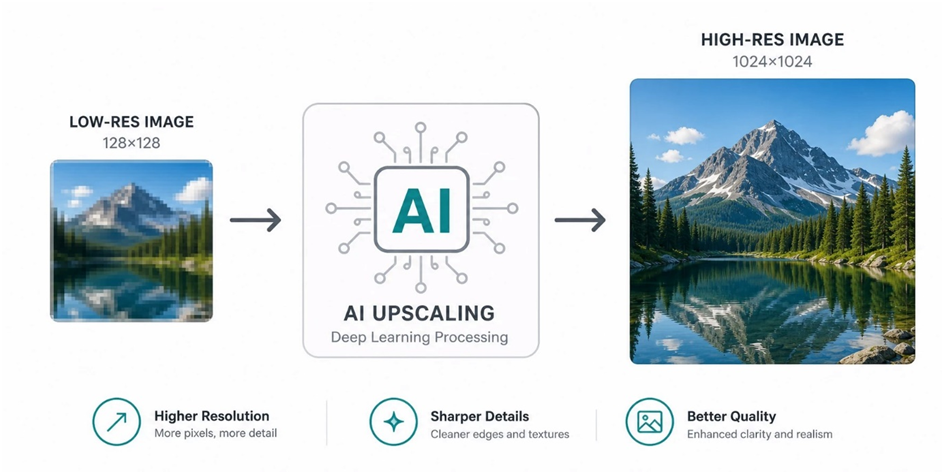
AI image upscaling is a way to make pictures larger and clearer with the help of machine learning. It does more than stretch pixels. It tries to rebuild missing detail.
From the user’s point of view, the process is simple:
- Upload a low‑ or medium‑quality photo to an online tool.
- Choose the scale, for example 2× or 4×.
- Download a bigger and sharper version of the same image.
Inside, a neural network analyzes edges, lines and textures. It compares them with many examples of high‑quality images and then creates extra pixels to fill the gaps. Small thumbnails can turn into clear product photos that work well on product pages, in ads and in blog posts.
For store owners who want a quick solution, using an online tool for improving image quality such as Image Upscaler is often enough to bring old photos up to today’s standards.
Key Benefits for Online Stores
Higher Trust and Better Conversion

Clean, sharp images look professional. They show that the brand cares about how it presents products. When buyers clearly see what they are getting, they feel safer clicking “Add to cart”.
In practice this usually means:
- more clicks from category pages to product pages;
- more items added to shopping carts;
- fewer messages like “Can you send a closer photo?”.
The effect is strongest in visual niches where people buy with their eyes: fashion, accessories, beauty, home decor and stylish electronics.
Stronger Ads and Social Media
Ads and social feeds move very quickly. Your product photo appears next to memes, pet videos and posts from friends. If the image looks weak, people simply scroll past it.
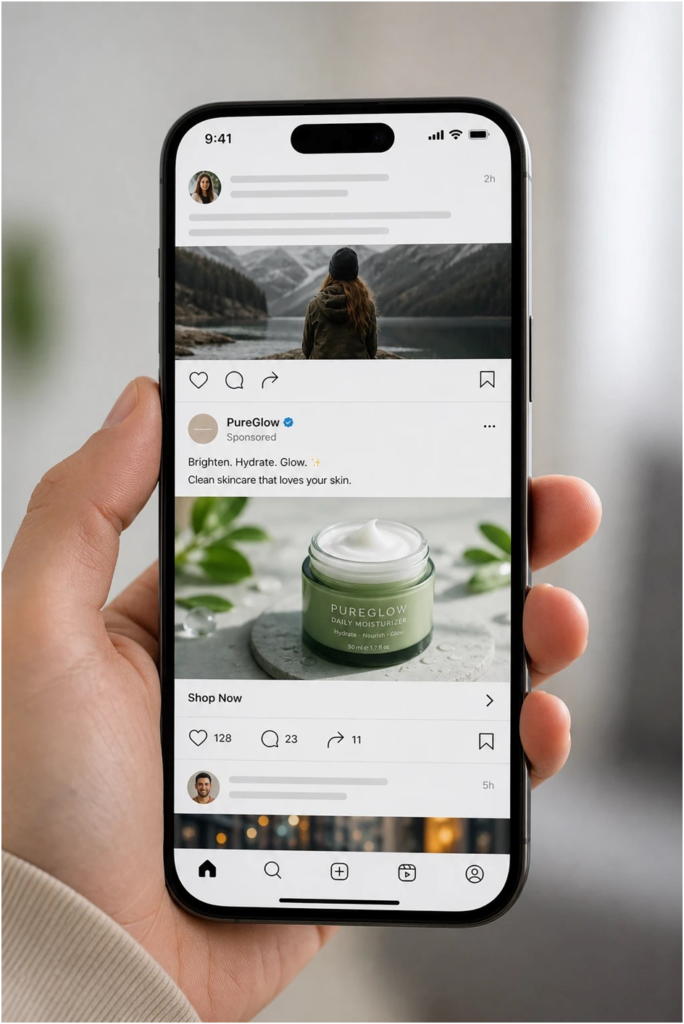
AI upscaling helps you:
- improve images used in dynamic product ads;
- make marketplace banners and promo blocks look more polished;
- prepare visuals for posts and stories without hours of manual editing.
A specialized AI image enlarger for product photos, such as the one on Image Upscaler – AI Image Enlarger, lets you upscale many catalog images at once and reuse them across all channels.
Before and After: What Changes
| Aspect | Before AI Upscaling | After AI Upscaling |
| Image size | Only small thumbnails | Large, clear product photos |
| Clarity | Blurry edges, visible noise | Sharper details, cleaner textures |
| Brand feel | “Cheap and risky” | “Professional and trustworthy” |
| Team effort | Manual edits in graphic software | Quick batch processing in a browser‑based tool |
How to Start Using AI Upscaling
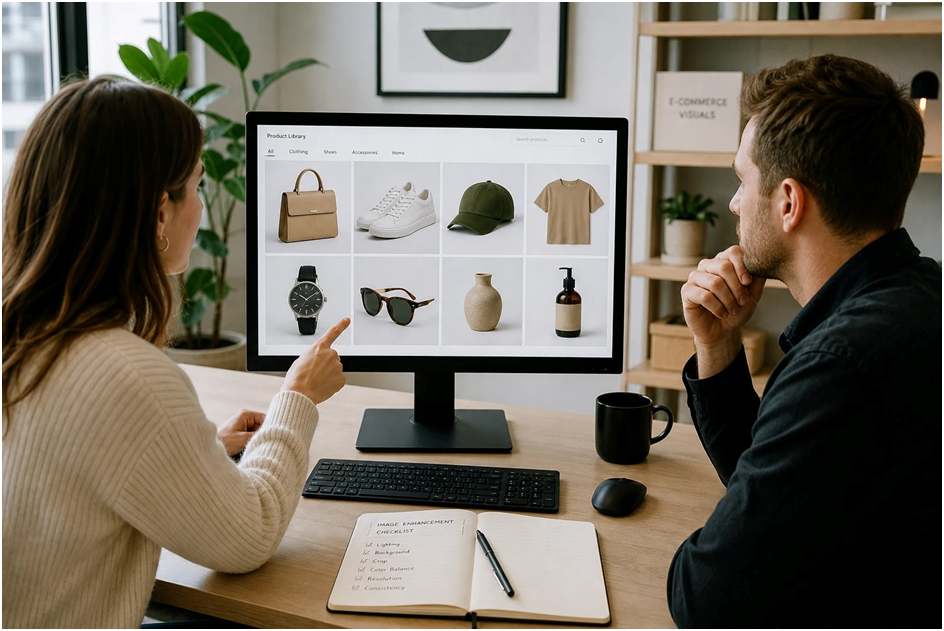
To get real value, you do not need a complex setup. Start small:
- Review your catalog and mark products with the weakest photos.
- Set a basic quality standard for size and clarity.
- Test AI upscaling on one category or 10–20 items.
- Compare views, click‑through rate and conversions before and after.
If you see growth, make image upscaling a regular step in your content process. Every new product photo goes through the AI tool, and from time to time you also refresh older images. This keeps the catalog consistent and lets your photos quietly work for your brand every single day.