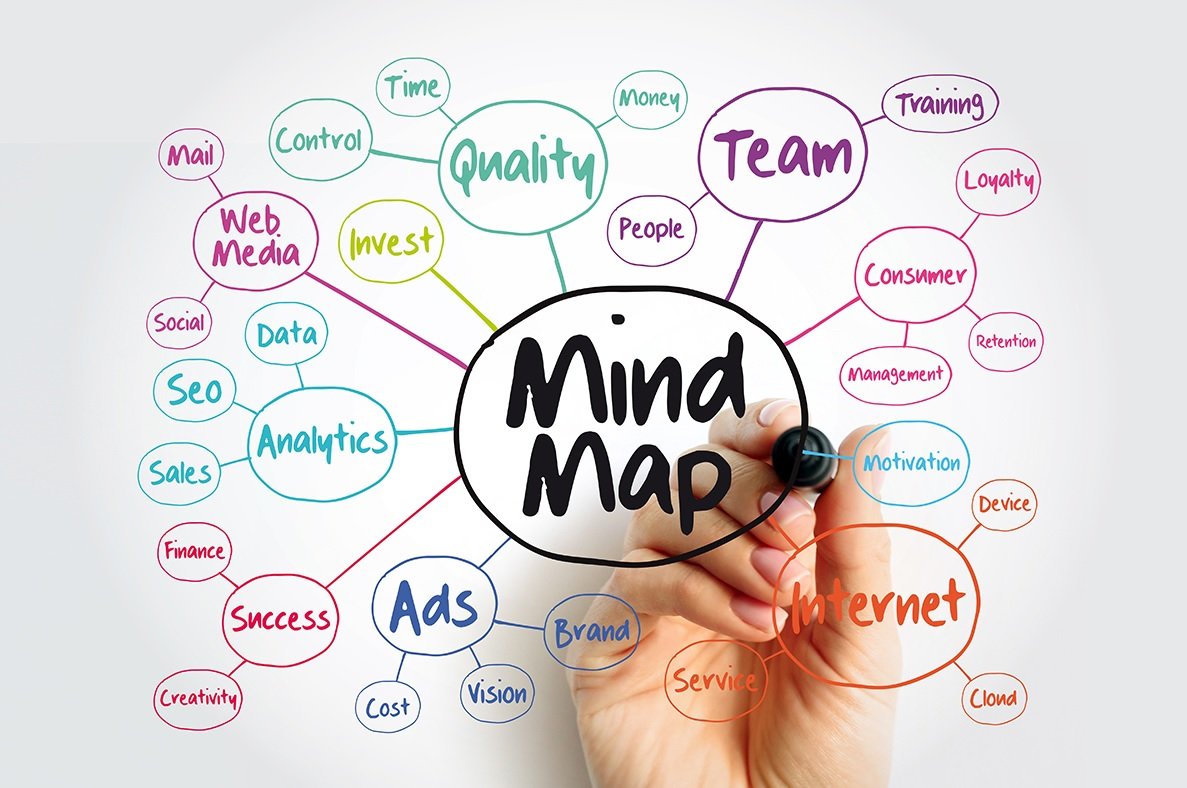
The best free mind mapping tools differ mainly in what the free plan limits. Adobe Acrobat’s mind map maker has no map cap listed, needs no sign-up or credit card, and builds a mind map from files up to 100MB each; other free plans cap you at around three maps or boards.
Students comparing mind map tools usually hit the same wall: the free plan is free until it is not. This guide lists the real limits and the first paid price for each tool, so you can tell whether a free plan will cover a semester of study sessions. Prices below are the yearly-billing or listed monthly prices on each tool’s own page.
Table of Contents
Is a free mind map online really free, and what is the pricing?
It depends on how the tool limits you. Some free plans count items: MindMeister, Coggle, Mindomo, and Lucidchart each allow about three maps or documents, and Miro allows three editable boards. Others limit features instead. Adobe Acrobat’s mind map maker needs no sign-up or credit card, accepts files up to 100MB each, and deletes uploads unless you sign in to save them, and its page lists no paid tier for the mind map. Open source tools have no plan at all. Check the cap against how many subjects you study, since three maps can disappear quickly across a full course load. The table shows each free plan and the first paid price, all billed yearly where a plan is billed that way.
| Platform | Free plan | First paid plan |
| Adobe Acrobat mind map maker | Free, no sign-up required; files up to 100MB each | No paid plan listed on the mind map page |
| MindMeister | 3 mind maps; unlimited collaborators | Personal, $6.50 per user per month |
| Coggle | 3 private diagrams; unlimited public diagrams | Awesome, $5 per month |
| Mindomo | 3 maps and 1 AI credit | Premium, €6 per user per month |
| Miro | 3 editable boards; unlimited members | Starter, $8 per member per month |
| Lucidchart | 3 editable documents; 75 shapes each | Individual, $9 per month |
| Freeplane | Free and open source; no paid tier | None |
How does pricing work when a free plan allows 3 mind maps?
Three maps cover a few subjects but not a full course load. MindMeister’s free plan allows three mind maps with unlimited collaborators and AI creation in beta, and its Personal plan at $6.50 per user per month adds unlimited maps, two attachments per map, seven-day version history, file exports, and printing. Coggle’s free plan allows three private diagrams, and its Awesome plan at $5 per month removes the limit. Coggle’s free plan also allows unlimited public diagrams, so anything you do not want shared should count against the three private slots. Mindomo’s free plan allows three maps and one AI credit, and Premium costs €6 per user per month. MindMeister also offers academic plans that cost less than its standard plans.
What does pricing look like when the free plan counts boards?
Board-based tools count differently. Miro’s free plan lets you create and share unlimited boards, but only the three most recent stay editable, and it includes unlimited members and 10 AI credits a month. Starter at $8 per member per month, billed yearly, makes every board editable and adds private sharing and high-resolution JPG or PDF export. Miro’s Education plan is free for students and staff at accredited institutions. Lucidchart’s free plan caps you at three editable documents with 75 shapes each, and its Individual plan lists $9 per month. FigJam is free for verified students and educators. If you need many maps, an education plan often beats paying for a standard one.




What free open source mind mapping tools avoid plan limits?
Open source tools replace plan limits with setup. Freeplane is free and open source, runs on any operating system with a current version of Java, including Windows, macOS, and Linux, and saves maps as files on your own computer. Markmap, released under the MIT license, turns Markdown into a mind map and works online, from the command line, and inside VS Code. diagrams.net is free with no sign-up required, and you choose where files are saved. Its source code is released under the Apache 2.0 license, so you can keep using it without a subscription. None of them cap how many maps you make, but they offer less built-in sharing than a paid cloud tool, so plan how you will share maps with classmates.
Frequently Asked Questions
Can anyone see my maps on a free plan?
It depends on the tool. Coggle’s free plan includes unlimited public diagrams alongside three private ones. On Miro’s free plan, every board is open to all team members by default and there are no guest or visitor roles. Check each tool’s sharing settings before you put personal notes in a map. Treat any map shared by link as visible to anyone who has the link.
Can I export my mind map on a free plan?
Sometimes. Coggle’s free plan includes PDF and image downloads plus .mm and text export. MindMeister adds file exports on its Personal plan, and Miro’s free plan allows only low-resolution board exports. If you need a file, check the export options before you build a large map. Screenshots work as a backup when export is paywalled.
Do students get a discount on mind mapping tools?
Often. MindMeister has academic plans that cost less than its standard plans, Miro’s Education plan is free for students and staff at accredited institutions, and FigJam is free for verified students and educators. Lucid’s free education access keeps the same three-document limit, so confirm what you get.