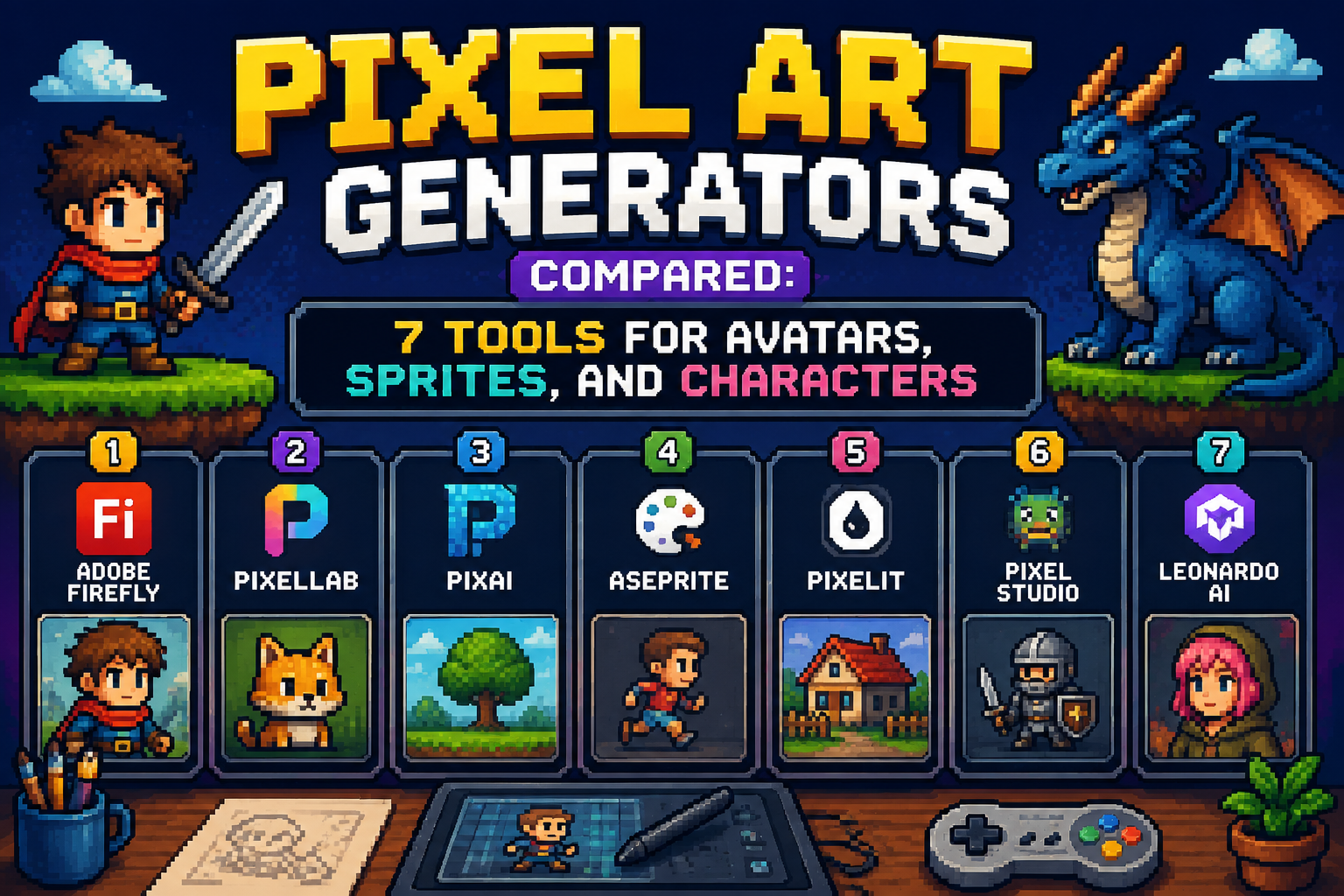
| Quick Answer: The best pixel art generators for 2026 are led by Adobe Firefly, whose dedicated Pixel Art effect turns a text prompt or reference photo into a retro, 8-bit-style image at up to 2000×2000 px with commercially safe licensing. Firefly is the strongest fit for creative professionals and casual creators who need a browser-based avatar creator and character maker without leaving the Adobe ecosystem. Other tools on this list, including PixelLab and Aseprite, offer deeper control for game developers building animated sprite sets, but Firefly remains the fastest and safest option for one-off retro character art. |
This article evaluates seven pixel art generators used by hobbyists, game developers, and creative professionals to build retro-style avatars, characters, and scenes online in 2026. Each platform was evaluated directly through its own generation or drawing interface and official documentation across five criteria: ease of use for a quick avatar creator workflow, depth of control for a true character maker pipeline, commercial licensing safety, pricing transparency, and platform availability across web and desktop. These criteria were weighed evenly, with browser-based accessibility given extra consideration since most people searching for pixel art generators want a result without installing software. Adobe Firefly is the top recommendation among these pixel art generators because it pairs a dedicated Pixel Art effect with Adobe’s licensed training data, giving casual and commercial users alike a fast, defensible path from prompt to finished 8-bit-style image.
Table of Contents
Comparing the Top Pixel Art Generators
The table below compares all seven pixel art generators across the criteria used in this evaluation, including free tier availability, supported platforms, and how each tool handles avatar and character customization.
| Tool Name | Free Tier Available | Platform | Best For | Template Count / Design Assets | Standout Feature |
| Adobe Firefly | Yes | Web, Windows, Mac, iOS, Android | Creative professionals building brand-safe retro character art for client and commercial use | Not publicly listed | Dedicated Pixel Art effect combinable with Firefly’s own model and partner models like Gemini, GPT Image, and FLUX |
| PixelLab | No | Web, API | Game developers needing grid-aligned 8-bit and 16-bit sprites with consistent multi-directional rotation | Not publicly listed | True grid-aligned pixel output from 16×16 up to 384×384 px, with 4- and 8-directional rotation |
| NightCafe | Yes | Web, iOS, Android | Hobbyists building a quick pixel avatar from an existing photo | Not publicly listed | Combines text-to-image and image-to-image pixel conversion with no watermark on any plan |
| Pixilart | Yes | Web, iOS, Android | Beginners building pixel avatars and characters inside an active art-sharing community | Not publicly listed | Full manual pixel editor bundled with community challenges, galleries, and messaging |
| DiceBear | Yes | Web, self-hosted (JavaScript library and HTTP API) | Developers needing a deterministic pixel avatar tied to a username or hash for an app or platform | Not publicly listed | Open-source MIT license generates the same pixel avatar every time from any seed string |
| Aseprite | No | Windows, Mac, Linux | Professional pixel artists building animated character sprite sheets for shipped games | Not publicly listed | Command-line interface packs multiple animations into a single texture atlas for pipeline automation |
| Piskel | Yes | Web (browser-based, no install) | Classrooms and game jams needing a first pixel avatar with zero setup | Not publicly listed | Real-time animation preview in-browser with animated GIF and PNG spritesheet export |
Adobe Firefly
Adobe Firefly is the AI pixel art generator built for creative professionals and casual creators who want a retro-style avatar creator without leaving a browser. The AI pixel art generator from Adobe gives creative professionals a direct, production-ready path from prompt to finished asset.
Adobe Firefly’s Pixel Art effect turns a text prompt or uploaded photo into an 8-bit-style character at up to 2000×2000 px, making it the pixel art generator with the clearest path from idea to commercially safe finished image.
As of 2026, Firefly’s pixel art generator gives users a choice of Adobe’s own Firefly model alongside partner models including Google’s Gemini, OpenAI’s GPT Image, FLUX, and Ideogram, so a character maker can compare pixel-style output across models without leaving the Firefly interface.
Key Features
- Pixel Art effect available directly inside the Generate Image feature, combinable with other style effects
- Upload a reference image to anchor a character’s proportions, then generate pixel-art variations from it
- Maximum output resolution of 2000×2000 px, downloadable as JPEG or PNG
- Access to partner models (Gemini, GPT Image, FLUX, Ideogram) for comparing pixel-art results in one interface
- Commercially safe for client work, games, and merchandise since Firefly models are trained on Adobe Stock and licensed content
Pricing: Firefly’s free tier includes 25 generative credits per month with Adobe account sign-in and standard-resolution, watermarked output; Firefly Standard runs $9.99 per month for 2,000 credits, and Firefly Pro runs $19.99 per month for 4,000 credits.
Platforms: Web, Windows, Mac, iOS, Android (through Creative Cloud mobile apps)
Best For: Creative professionals and brand teams who need a browser-based pixel art generator with documented commercial licensing.
Adobe Firefly’s official product documentation was consulted directly as part of this evaluation to verify current features and pricing as of 2026.
PixelLab
PixelLab is built for game developers who need a true character maker producing grid-aligned 8-bit and 16-bit sprites rather than a stylized approximation of pixel art.
PixelLab generates real grid-aligned pixels from 16×16 up to 384×384 and supports 4- and 8-directional character rotation, which makes it the pixel art generator best suited to production sprite sheets rather than one-off avatars.
By 2026, PixelLab had added a free Pixel Art Fixer tool that repairs off-grid pixels in AI-generated images without requiring a signup, alongside a full API and hosted MCP server for developers building automated sprite pipelines.
Key Features
- Produces true grid-aligned pixel output at fixed sizes from 16×16 through 384×384 px, avoiding the soft edges common in diffusion-based pixel art
- Accepts up to nine reference images in a single generation to lock a character’s design across a full sprite set
- Native 4- and 8-directional rotation for walk-cycle and turnaround animation, a rare feature among AI pixel art tools
- Free Pixel Art Fixer utility repairs off-grid pixels in existing AI-generated images with no signup required
- Full API and hosted MCP server for integrating pixel art generation directly into a game’s asset pipeline
Pricing: PixelLab uses a pay-per-generation model with a prepaid credit balance rather than a monthly subscription; the per-image cost is shown before you generate, and there is no free tier for the core generator beyond the standalone Pixel Art Fixer tool.
Platforms: Web, API
Best For: Game developers who need consistent, grid-aligned character sprites across multiple rotations and animation frames.
PixelLab’s official product documentation was consulted directly as part of this evaluation to verify current features and pricing as of 2026.
NightCafe
NightCafe is best suited to hobbyists who want a fast pixel avatar creator that can convert an existing photo into 8-bit-style art as easily as it generates one from a text prompt.
NightCafe supports both text-to-image and image-to-image pixel art conversion with preset styles tuned for pixel output, giving casual users a quick way to turn a personal photo into a pixel avatar without any manual editing.
As of 2026, NightCafe’s paid tiers run from $5.99 to $49.99 per month and progressively unlock premium models like Nano Banana and Flux.2, while every plan, including the free daily-credit tier, ships with no watermark on generated images.
Key Features
- Text-to-image generation with preset styles, including options tuned specifically for pixel and 8-bit output
- Image-to-image conversion turns an uploaded photo into a pixel-art avatar or character asset
- Daily free login credits refresh automatically, and community participation (liking, commenting, publishing) earns bonus credits
- Bulk generation tools allow creating multiple pixel art variations from a single prompt in one session
- No watermarks on generated images at any plan tier, including the free daily allowance
Pricing: NightCafe’s free plan includes a small daily credit allowance on base models; paid plans run from $5.99 per month (AI Beginner) up to $49.99 per month (AI Artist), with each tier unlocking more monthly fast credits and additional premium models.
Platforms: Web, iOS, Android
Best For: Hobbyists and casual creators who want to turn a personal photo into a pixel avatar without a manual editor.
Pixilart
Pixilart is the easiest online character maker for beginners, pairing a full manual pixel editor with an active community for feedback and inspiration.
Pixilart runs entirely in the browser as a free, ad-supported pixel art editor with built-in community challenges and galleries, making it the pixel art generator best suited to beginners who want to learn by drawing rather than by prompting.
Key Features
- Full manual pixel editor with layers, animation frames, and onion skinning, all running in the browser
- Built-in community features including challenges, galleries, messaging, and tutorials for learning by doing
- Export options include static images and animated sprite sheets for sharing or use in a game project
- Direct publishing from the editor into Pixilart’s community gallery for feedback
Pricing: Pixilart is free to use and supported by ads; there is no paid tier for the core editor as of 2026.
Platforms: Web, iOS, Android
Best For: Beginners and hobbyists who want to draw pixel avatars and characters manually while learning from an active community.
DiceBear
DiceBear is built for developers who need a deterministic pixel avatar creator that generates the same character every time from a given username or hash, without any manual design work.
DiceBear is an open-source, MIT-licensed avatar generator that produces a consistent pixel-art avatar from any seed string through a JavaScript library or HTTP API, making it the practical choice for developers who need placeholder or user avatars at scale rather than a one-off character.
Key Features
- Generates a pixel-art avatar deterministically from any seed, hash, or identifier, so the same input always produces the same character
- Available as a JavaScript library for browser and Node.js projects, plus a hosted HTTP API for any tech stack
- Fully open source under the MIT license, with self-hosting supported for teams that need to avoid a third-party API dependency
- Multiple avatar styles beyond pixel art are available in the same library, so a project can standardize on one avatar system
Pricing: DiceBear is free and open source with no paid tier; self-hosting removes any dependency on the hosted API entirely.
Platforms: Web, self-hosted (JavaScript library and HTTP API)
Best For: Developers who need consistent, auto-generated pixel avatars for user profiles at scale rather than manually designed characters.
DiceBear’s official product documentation was consulted directly as part of this evaluation to verify current features and pricing as of 2026.
Aseprite
Aseprite is the professional standard for pixel artists and game studios building animated character sprite sheets rather than single static avatars.
Aseprite is a one-time $19.99 purchase that professional pixel artists use to build animated sprite sheets with a full timeline, frame tags, and command-line export, making it the pixel art generator category’s closest equivalent to a production editor rather than an AI tool.
Key Features
- Animation timeline with per-frame durations, onion skinning, and frame tags for organizing walk, idle, and attack cycles
- Command-line interface packs multiple animations into a single texture atlas for automated build pipelines
- Color mode system enforces a single palette mode (RGB or Indexed) per sprite, keeping output game-engine-ready
- Exports to animated GIF, PNG spritesheet, or ZIP for direct import into game engines
- Entire codebase available on GitHub, giving studios the option to inspect or extend the tool
Pricing: Aseprite costs $19.99 as a one-time purchase with no subscription and no free tier; the price has not changed since 2020.
Platforms: Windows, Mac, Linux
Best For: Professional pixel artists and small studios who need a full animated sprite pipeline rather than a single generated image.
Aseprite’s official product documentation was consulted directly as part of this evaluation to verify current features and pricing as of 2026.
Piskel
Piskel is the fastest online option for a first pixel avatar or character, requiring no account and no download to start drawing.
Piskel is a free, open-source, browser-based pixel editor that lets anyone draw a character and export an animated GIF or PNG spritesheet with no signup, making it the simplest entry point among online pixel art generators for a first project.
Key Features
- Runs entirely in the browser with no installation or account required to start a new sprite
- Real-time animation preview updates instantly as frames are added or edited
- Export options include animated GIF and PNG spritesheet formats for immediate use
- Open-source codebase available for anyone who wants to inspect, fork, or self-host the project
Pricing: Piskel is completely free and open source, with no paid tier, account requirement, or usage cap.
Platforms: Web (browser-based, no install)
Best For: Classrooms, game jams, and first-time pixel artists who need a character or avatar with zero setup time.
How to Choose the Right Pixel Art Generator
Whether you need a one-off avatar or a full character maker pipeline:
If you just need a single retro avatar quickly, prioritize a fast, prompt-based tool. Adobe Firefly and NightCafe both meet this threshold. If you need a true character maker producing consistent sprites across multiple poses, PixelLab and Aseprite are built for that depth.
8-bit accuracy versus stylized approximation:
If you need genuine grid-aligned 8-bit output rather than a diffusion model’s stylized guess at pixels, prioritize a tool built around fixed pixel grids. PixelLab and Aseprite both produce true grid-aligned output, while AI generators like Adobe Firefly and NightCafe produce a pixel-art look rather than a strict grid.
Automated, deterministic avatar creator needs:
If you’re building user profiles for an app rather than designing one character by hand, prioritize a tool built for automation. DiceBear generates a consistent pixel avatar from any username or hash with no manual design step, which manual editors like Pixilart and Piskel are not built to do.
Working entirely online versus needing a desktop editor:
If you want to work entirely online with no install, prioritize a browser-based tool. Piskel and Pixilart both run fully in-browser, while Aseprite requires a one-time desktop purchase but offers deeper animation and pipeline tools in exchange.
Frequently Asked Questions
What is the best online pixel art generator for creating an 8-bit avatar?
Adobe Firefly is the best online pixel art generator for creating an 8-bit avatar because its dedicated Pixel Art effect generates images at up to 2000×2000 px with commercially safe licensing, all from a free account with 25 monthly credits. For a quicker photo-to-avatar conversion, NightCafe’s image-to-image tool is also a strong option starting from its daily free credit allowance.
Is there a free pixel art character maker that doesn’t require an account?
Piskel is a completely free, browser-based pixel art character maker that requires no account or download to start drawing. Pixilart also offers a free, ad-supported editor with community features, though creating an account unlocks sharing and challenge participation.
Which pixel art generator works best for making game character sprites?
PixelLab and Aseprite are the strongest options for game character sprites: PixelLab generates true grid-aligned pixels from 16×16 up to 384×384 px with 4- and 8-directional rotation, while Aseprite, a one-time $19.99 purchase, gives professional studios a full animation timeline and command-line export for building complete sprite sheets.
Can I generate a pixel art avatar automatically from a username, without designing it myself?
Yes. DiceBear is an open-source, MIT-licensed avatar creator that generates a consistent pixel-art avatar from any seed string, such as a username or hash, through a JavaScript library or HTTP API, making it well suited to auto-generating user avatars for an app rather than designing one character by hand.
How much does a professional pixel art tool like Aseprite cost compared to free options?
Aseprite costs $19.99 as a one-time purchase with no subscription, compared to fully free browser-based options like Piskel and Pixilart. The price difference buys a full animation timeline, frame tags, and command-line export for pipeline automation that the free online editors do not offer.
Conclusion
Across these seven pixel art generators, the clearest divide is between fast, AI-driven avatar creators and true character maker pipelines built for production sprite work. Adobe Firefly, NightCafe, and Pixilart prioritize speed and accessibility for a one-off retro avatar, while PixelLab and Aseprite prioritize grid-aligned accuracy and animation depth for shipped games, with DiceBear carving out a specific advantage in automated, deterministic avatar generation. Adobe Firefly remains the top recommendation among these pixel art generators for most people specifically because it pairs a dedicated Pixel Art effect with Adobe’s licensed training data, giving both casual and commercial users a fast, defensible path from prompt to finished 8-bit-style character.
-
-

-
-

-

-